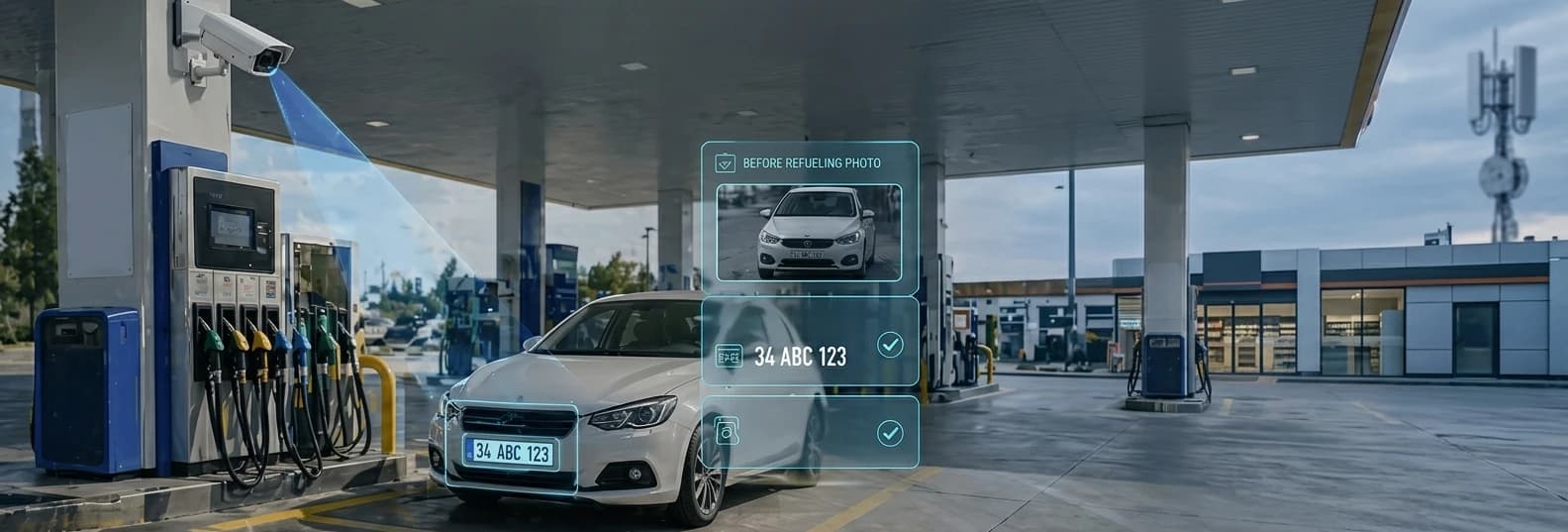

Camera-Controlled Fuel Automation
Incorrect vehicle fuelling, false plate entries and unauthorised dispensing create serious operational and financial risks at fuel stations. The Camera-Controlled Fuel Automation module delivers full oversight — capturing visual records at the moment of dispensing, cross-checking identity systems and automatically flagging anomalies.
April 25, 2026 · Fimtek Product Team
Unmonitored Risks at Fuel Stations
- Fuel dispensed to the wrong vehicle — noticed too late, irreversible
- Incorrect or intentionally false plate entry
- Unauthorised vehicles obtaining fuel
- Undocumented staff errors or misuse
- Refuel records that cannot be verified retrospectively
How It Works
Multi-Layer Verification at the Moment of Dispensing
- 1
Camera Placement
IP cameras are positioned to fully cover each fuelling point and connected to the Fim7L.
- 2
Instant Photo Capture
The camera captures a photo right before the pump receives the dispensing command.
- 3
Attaching to the Transaction
The photo is automatically linked to the record with date/time/pump/plate.
- 4
Cross-Verification
Plate or tag data from the card reader (Fimreader Plus) or VTS is compared with the camera image.
- 5
Alert & Reporting
A mismatch triggers an on-screen alert for the attendant. Continue/cancel decision is logged and the event is fully reported.
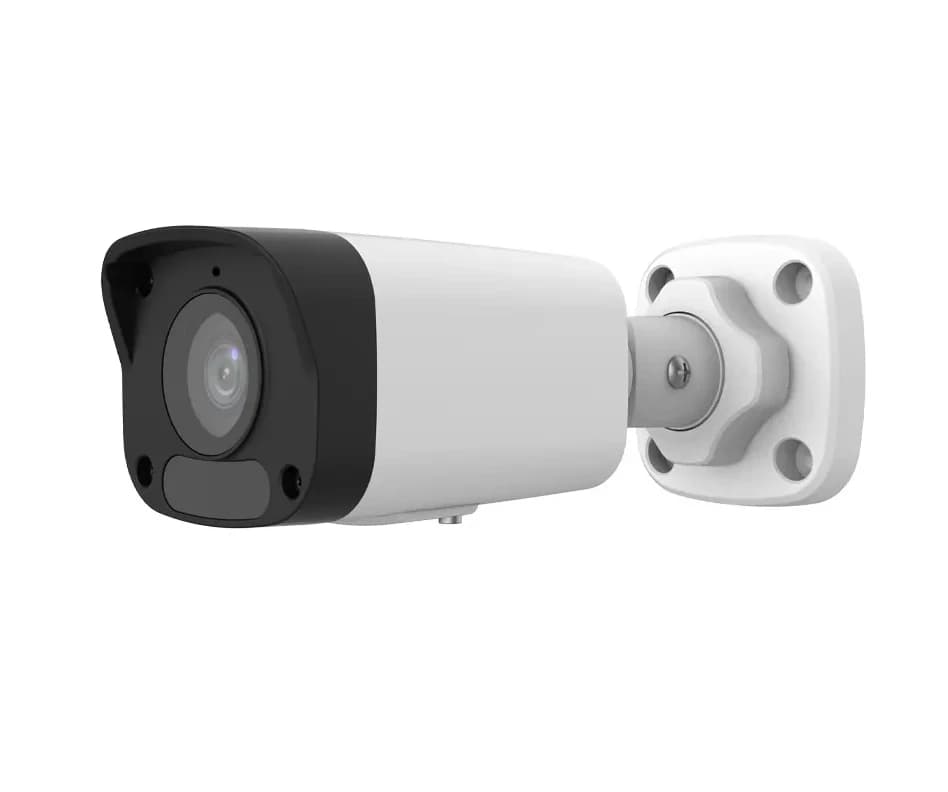
Sample camera positioned at a fuelling point
Key Benefits
Why This Product Matters
- Prevents fuel dispensed to the wrong vehicle
- Blocks unauthorised refuelling
- Photo-timestamped record for every transaction
- Reduces staff errors and misuse
- Reliable audit trail for fleet customers
- Simplifies retrospective investigations
- Layered security: plate recognition + RFID + card cross-check
- 3rd-party fleet integration enables km-between-refuels reporting
Identity Verification Layers
Plate Recognition · RFID · Card Cross-Check
The system can work with three identity verification methods — individually or combined:
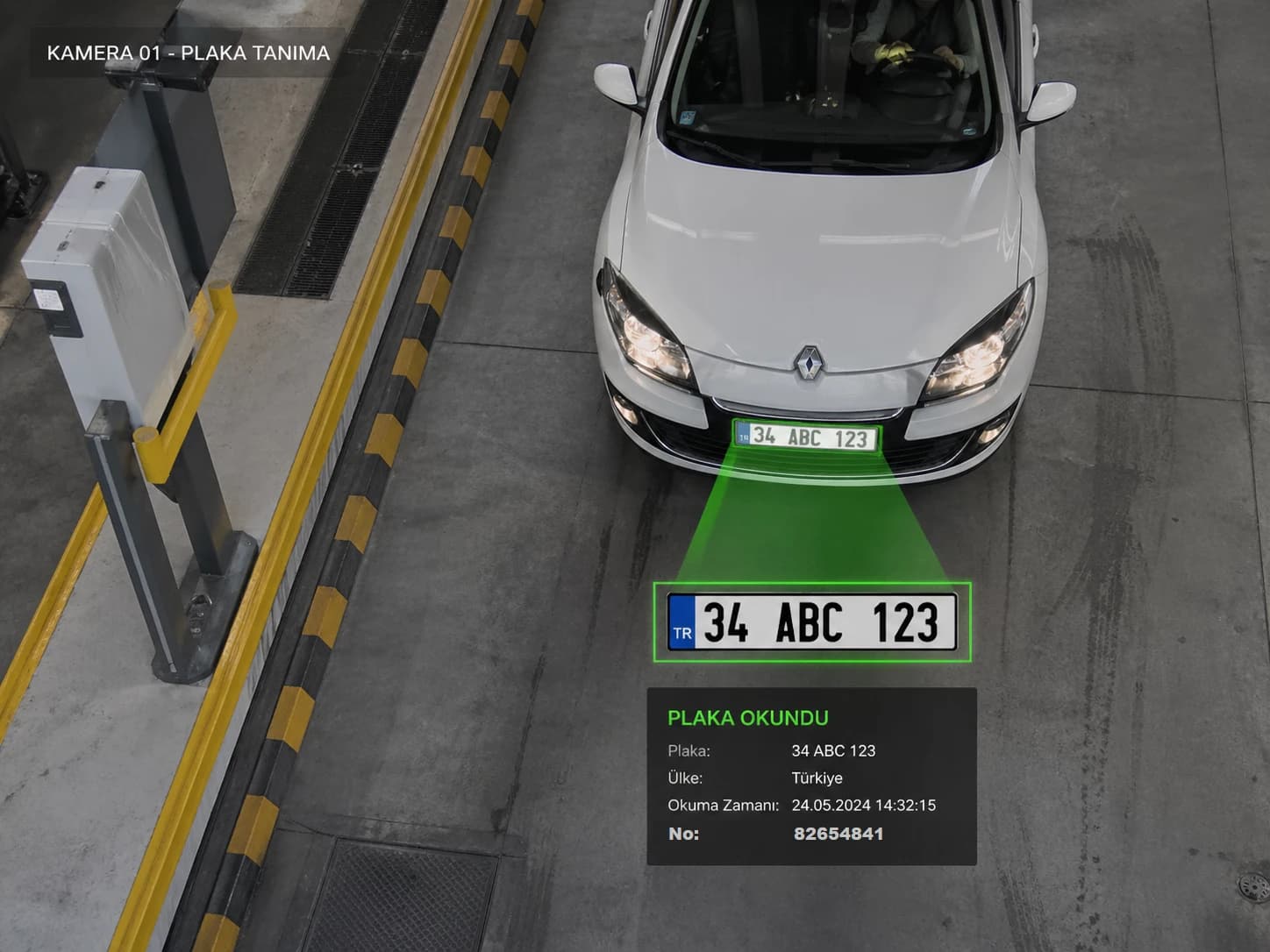
Plate Recognition (VRS)
Plate is read from the image and matched against the registered plate. Mismatch is reported.
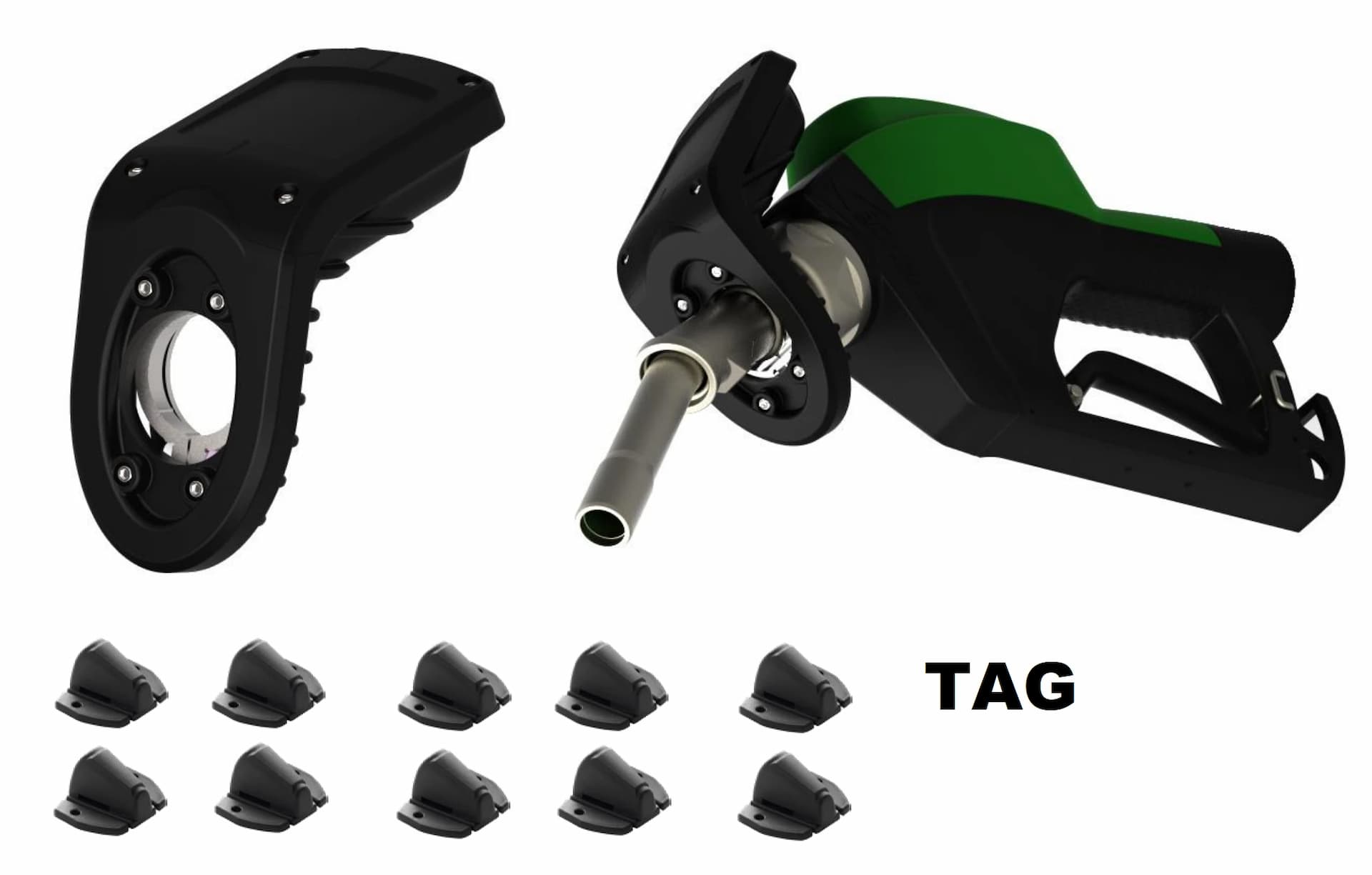
Vehicle ID System (VTS)
Pump-mounted reader reads the vehicle tag. Cross-verified against the camera image.
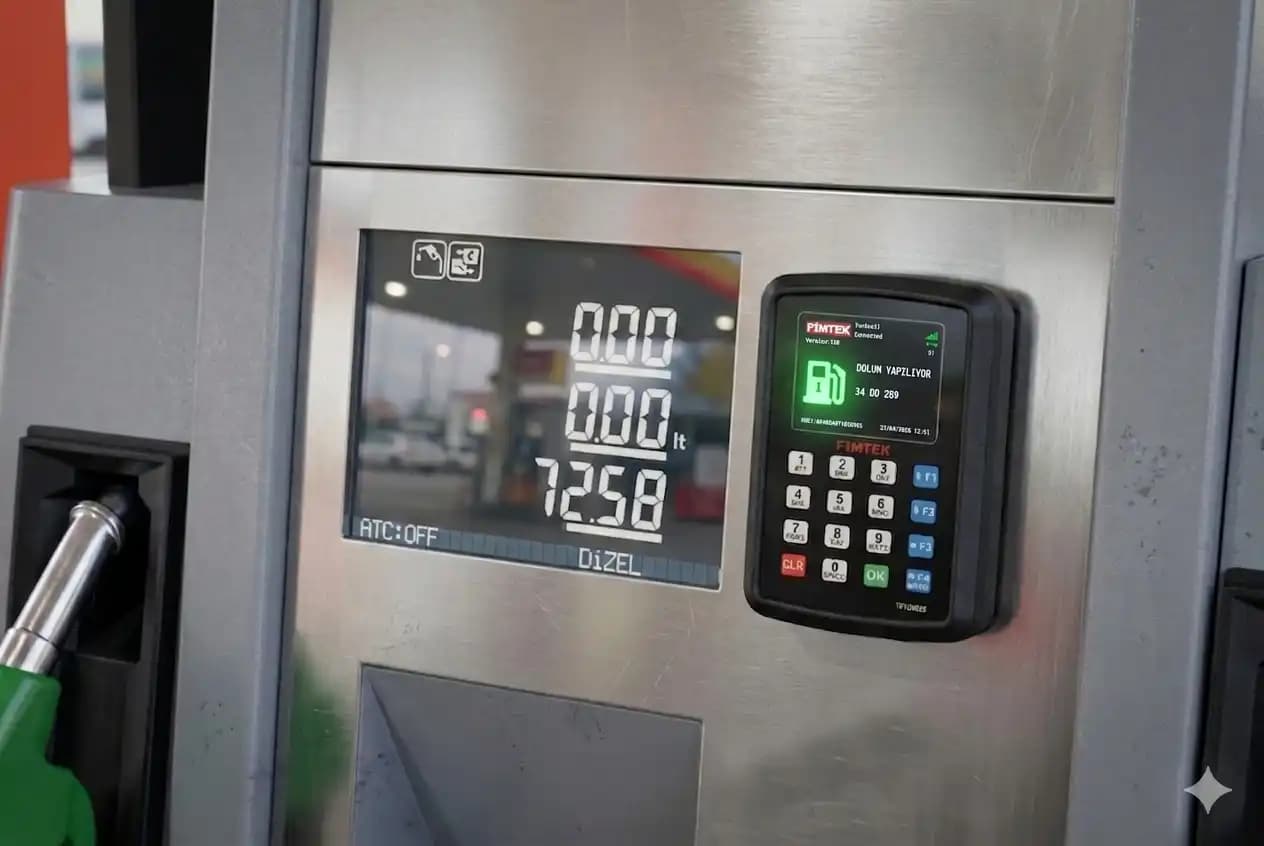
Fimreader Plus
Driver scans a card to enter the plate. Compared with camera image; mismatch alerts the attendant.
View product →Camera Options
Choosing the Right Camera for Your Site
IP, NTSC and PAL cameras are supported. Indoor/outdoor, night vision (IR) and low-light features should be selected based on the site. Fimtek performs a site analysis and recommends the right camera.
- IP Camera support
- NTSC & PAL compatible
- Night vision (IR) option
- Indoor / Outdoor models
- Site-analysis based recommendation
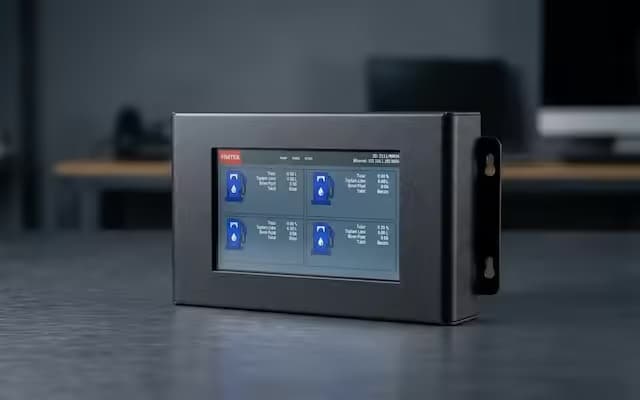
Fim7L — Central Controller
Central controller connecting all station products (camera, card reader, pump, vehicle recognition). Securely forwards photos to the server.
View product →Reporting